IPTV service · United States
IPTV Service USA — The Best IPTV Subscription in 4K
Local channels, live sports and 4K in the player you already use, from $5.00 a month — tested by you before you pay a cent.
Start a free trial See plans
What is an IPTV service?
An IPTV service delivers live television and on-demand content over your internet connection instead of a cable or satellite line. You receive login credentials, enter them once into a player app on a device you already own, and the channels load inside that app. Relay IPTV supplies the credentials, the servers and the programme guide — you keep your own player and your own hardware.
How an IPTV service works, what you need, and how to choose one →
Why switch from cable to IPTV?
The average US cable bill is around $127 a month for a package most households use a fraction of. An IPTV service delivers the same kind of live television over the connection you already pay for, without the box rental, the contract or the installer visit.
- Thousands of live channels for the price of a single month of cable
- Local network affiliates for your own market
- Live sports all season, including PPV event channels
- A full on-demand library of films and series
- No contract, no installer, no rented set-top box
- Works on the device and player you already own
The trade-off is that it is self-service: you enter credentials into an app yourself rather than having someone come and do it. For most people that is five minutes once.
Why choose Relay over other IPTV providers?
Eight things that separate IPTV providers that work from ones that look fine until Sunday afternoon.
A guide on your time zone
Providers built for Europe ship an EPG in Central European Time, leaving every US customer six to nine hours out of step. Ours runs on ET, CT, MT and PT.
Built for Sunday load
Any server looks fine on a Tuesday morning. We ask you to judge us at 1:00 PM Eastern on a big football Sunday, because that is the hour that decides it.
Your own local affiliates
Tell us your market and we confirm which local network affiliates are carried before you pay anything.
No app lock-in
Standard Xtream Codes and M3U credentials. Keep Smarters, keep TiVimate, keep whatever you already have set up the way you like it.
Support that reroutes
A stream problem is only a problem if nobody fixes it. Message support and we move you to a different server route and confirm it works.
Priced in the open
Every plan and every additional connection is listed openly. No "contact us for multi-device pricing" to find out what it costs.
Nothing renews on its own
No card is stored and no subscription auto-renews. When your period ends, you decide whether to carry on.
Up to 4K where it exists
Channels carried in HEVC at 2160p are delivered at 2160p. We do not relabel 1080p feeds as 4K to pad a feature list.
Unlimited entertainment in one IPTV subscription
Everything a cable package carries, plus the on-demand library, in one subscription.
Live sports
Pro football, basketball, baseball and hockey, college football, combat-sports PPV, soccer and motorsport, through the whole season.
Local channels
Local network affiliates across the major US markets, alongside the national networks.
News
US and international news channels, live and continuous.
Entertainment
The general entertainment and lifestyle networks that make up most of a cable package.
Movies and series
A full video-on-demand library of films and box sets, watchable whenever you like.
Kids and documentary
Children’s channels and factual programming, plus international feeds.
Our IPTV subscription plans and prices
One connection included. Extra simultaneous connections priced openly — no "contact us for multi-device pricing".
- Thousands of live channels
- US local network affiliates
- Live sports and PPV event channels
- Full movies and series on demand
- EPG in ET, CT, MT and PT
- Up to 4K / Ultra HD where the source allows
- Xtream Codes and M3U credentials
- Works on every major device and player
- 99.9% uptime target
- 24/7 support, no auto-renewal
- Thousands of live channels
- US local network affiliates
- Live sports and PPV event channels
- Full movies and series on demand
- EPG in ET, CT, MT and PT
- Up to 4K / Ultra HD where the source allows
- Xtream Codes and M3U credentials
- Works on every major device and player
- 99.9% uptime target
- 24/7 support, no auto-renewal
- Thousands of live channels
- US local network affiliates
- Live sports and PPV event channels
- Full movies and series on demand
- EPG in ET, CT, MT and PT
- Up to 4K / Ultra HD where the source allows
- Xtream Codes and M3U credentials
- Works on every major device and player
- 99.9% uptime target
- 24/7 support, no auto-renewal
- Thousands of live channels
- US local network affiliates
- Live sports and PPV event channels
- Full movies and series on demand
- EPG in ET, CT, MT and PT
- Up to 4K / Ultra HD where the source allows
- Xtream Codes and M3U credentials
- Works on every major device and player
- 99.9% uptime target
- 24/7 support, no auto-renewal
Watch on more screens at the same time
Multi-screen plans for a household. Same channels, same guide — just more people watching at once.
- 2 screens at the same time
- Thousands of live channels
- US local network affiliates
- Live sports and PPV event channels
- Full movies and series on demand
- EPG in ET, CT, MT and PT
- Up to 4K / Ultra HD where the source allows
- Xtream Codes and M3U credentials
- Works on every major device and player
- 99.9% uptime target
- 24/7 support, no auto-renewal
- 3 screens at the same time
- Thousands of live channels
- US local network affiliates
- Live sports and PPV event channels
- Full movies and series on demand
- EPG in ET, CT, MT and PT
- Up to 4K / Ultra HD where the source allows
- Xtream Codes and M3U credentials
- Works on every major device and player
- 99.9% uptime target
- 24/7 support, no auto-renewal
- 4 screens at the same time
- Thousands of live channels
- US local network affiliates
- Live sports and PPV event channels
- Full movies and series on demand
- EPG in ET, CT, MT and PT
- Up to 4K / Ultra HD where the source allows
- Xtream Codes and M3U credentials
- Works on every major device and player
- 99.9% uptime target
- 24/7 support, no auto-renewal
How to get started with a Relay IPTV subscription
A simple, fast IPTV service. Three steps to a working stream — no installer, no rented box, no contract.
 01
01 Choose Your Plan
Message us on WhatsApp and tell us your city. We confirm which local affiliates are carried before you pay anything.
 02
02 Complete Your Payment
Pay securely for the length you picked. Nothing is stored and nothing renews on its own when the period ends.
 03
03 Start Watching
Your Xtream Codes login and M3U link arrive within five minutes. Enter them once in your player and the channels load.
Devices supported by our IPTV subscription
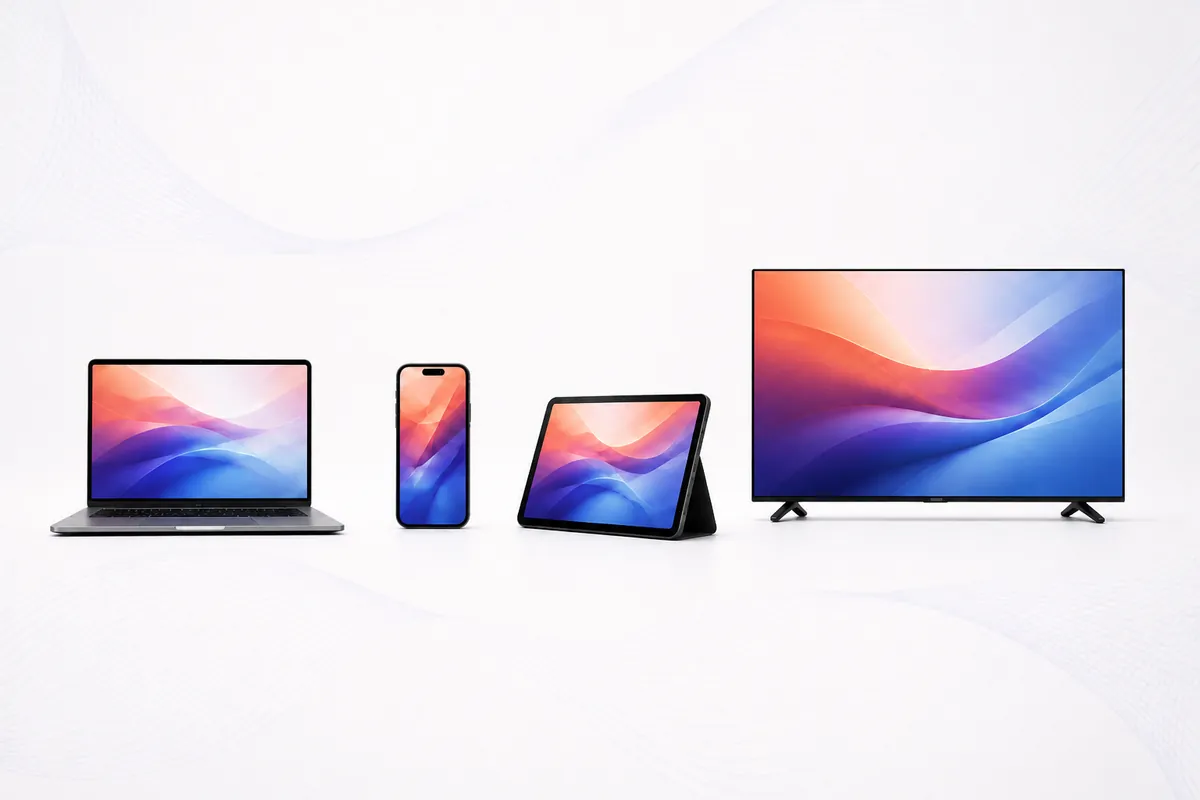
No box to rent and no hardware to buy. If it runs an IPTV player, it works.
IPTV Smarters Pro
Setup guide, credential format, and the settings that actually matter.
Read the guide →TiVimate
Setup guide, credential format, and the settings that actually matter.
Read the guide →M3U & Xtream Codes
Setup guide, credential format, and the settings that actually matter.
Read the guide →IPTV service vs cable vs live TV streaming
| Cable | Live TV streaming | IPTV service | |
|---|---|---|---|
| Typical monthly cost | ~$127 | $40-$90 | $5-$20 |
| Channels | 100-300 | 35-90 | Thousands |
| Contract | Often | No | No |
| Hardware | Rented box | Any device | Any device |
| Player choice | None | Their app only | Any compatible player |
Cable and streaming figures are typical US market rates and vary by provider and region.
What we commit to before you pay
We have run IPTV servers for 15 years, but Relay is a new brand in the US — so there is no long American review history to show you yet. What we can do is put our commitments in writing and let you hold us to them.
Every price is published
Plans and multi-device connections are listed in numbers. Nothing is quoted privately and nothing is held back for a higher tier.
Nothing renews on its own
No card is stored and no subscription auto-renews. When your period ends, it ends and you decide.
You keep your own player
Standard Xtream Codes and M3U credentials. If you leave us, your setup still works with whoever you go to next.
A person answers
Message support and we reroute you to a different server and confirm it works, rather than blaming your Wi-Fi.
We say where we lose
Our comparison page lists what established providers do better than us. You can read it before you buy.
Once we have US customer reviews, they replace this section. We would rather show you nothing than testimonials we wrote ourselves.
Try our IPTV provider free before subscribing
You get real credentials, not a demo. Load them into your own player and watch during a busy hour — that is the only test worth running.
Get a 24-hour trialRelay IPTV, a reliable IPTV service for US viewers
Reliability in this category is not a slogan, it is a measurable thing: whether the channel you want opens within a few seconds, whether it keeps running when a few thousand other people join the same stream, and whether anyone answers when it does not.
We would rather be judged on that than on a channel count. Our comparison of US IPTV services sets out the criteria we think matter and applies them to us as well as to everyone else — including a table of where we currently fall short. Our pricing is published in full, connections included. Our refund policy lists the cases where we will not refund you as well as the ones where we will.
If you want to understand the technology before choosing anyone, start with what an IPTV service is and how it works, then read our page on IPTV and the law in the United States. Then take a trial — ours or somebody else's — and test it yourself.
Money-back guarantee on every IPTV service plan
If the service does not work for you, you get your money back within 7 days. The cases we will and will not refund are written out in full on our refund policy — including the ones that go against us.
Keep exploring Relay IPTV
Everything worth reading before you choose an IPTV service.
Frequently asked questions
What is an IPTV service?
An IPTV service delivers live television and on-demand content over your internet connection instead of a cable or satellite line. You receive credentials, enter them into a player app on a device you own, and the channels load in that app.
What is the difference between an IPTV service and a streaming service?
None, technically — the licensed live-TV streaming services all deliver television over the internet. The difference is commercial: licensed US services carry far fewer channels at a much higher monthly price.
Does it work with IPTV Smarters Pro?
Yes. We issue standard Xtream Codes credentials, which is exactly what IPTV Smarters Pro expects — see our IPTV Smarters Pro setup guide.
Does it work with TiVimate?
Yes. TiVimate accepts both Xtream Codes logins and M3U playlist URLs, and we provide both. Full walkthrough on our TiVimate page.
Which devices are supported?
Fire TV Stick, Roku, Samsung and LG smart TVs, Android TV boxes, NVIDIA Shield, Apple TV, iPhone, iPad, Windows, macOS and MAG boxes.
Can I test it before paying?
Yes, and we would rather you did. Start with the free trial, load the credentials into your own player, and watch during a busy evening or a live game.
How many devices can stream at the same time?
Every plan includes one connection. Additional simultaneous connections are listed openly on the pricing page.
How long does setup take?
Most customers are watching within five minutes. You receive credentials, open your player, enter them once, and the channel list loads.
Do you include US local channels?
Yes — local network affiliates across major US markets. Tell us your city and we confirm which are carried before you buy.
Is the programme guide set to US time zones?
Yes. The EPG is delivered in Eastern, Central, Mountain and Pacific time rather than a European default.
What internet speed do I need?
Around 10-15 Mbps for HD and 25 Mbps or more for 4K — check yours on Speedtest. Wired or 5 GHz Wi-Fi beats 2.4 GHz.
What happens if a stream drops?
Contact support and we move you to a different server route. Our uptime target is 99.9%.
Is IPTV legal in the USA?
The technology is entirely legal — it is how the licensed live-TV streaming services deliver television. What matters is licensing, explained on our legal page.
Can I get a refund?
Yes, under the terms in our refund policy.
Get your IPTV service now
Tell us your city and we confirm which local affiliates are carried — before you pay, not after.
Ask about my local channels